
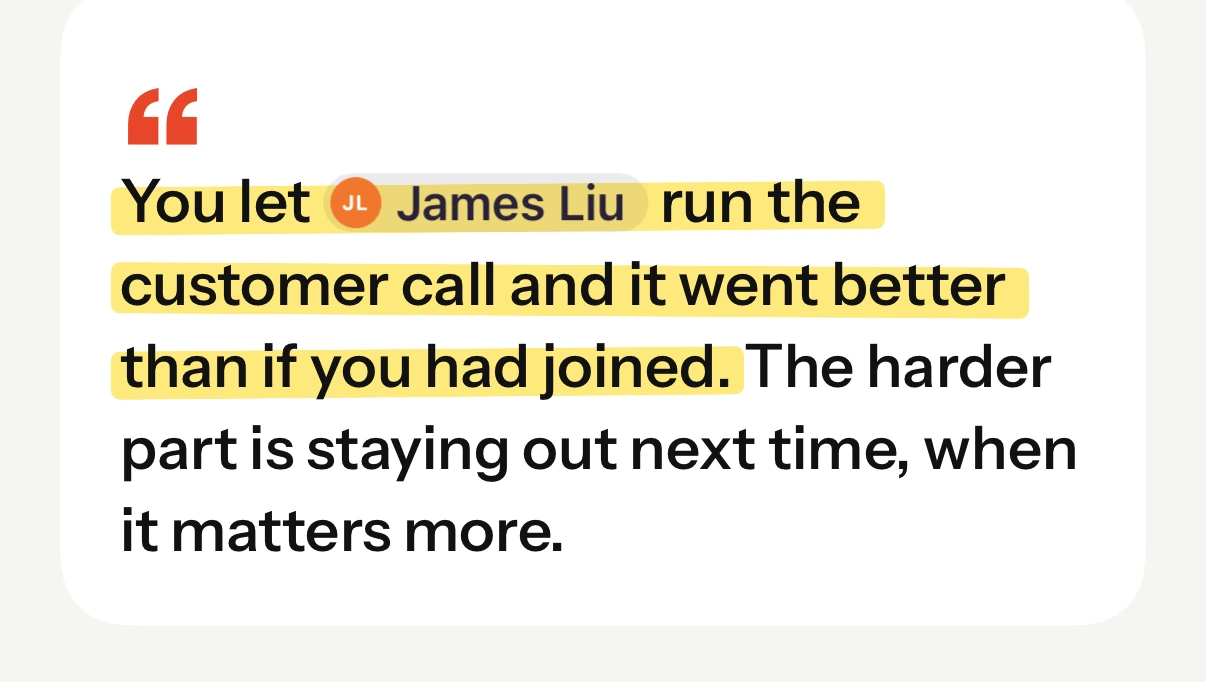
After every pageA short reflection on what you just wrote. Sometimes a pattern, sometimes a question.
Reflect on your day in two minutes. Get a weekly summary, follow-ups worth acting on, and a coach who knows your team.
Decisions, conversations, tensions, open threads. None of it shows up in a task list, and by Friday it's a blur.
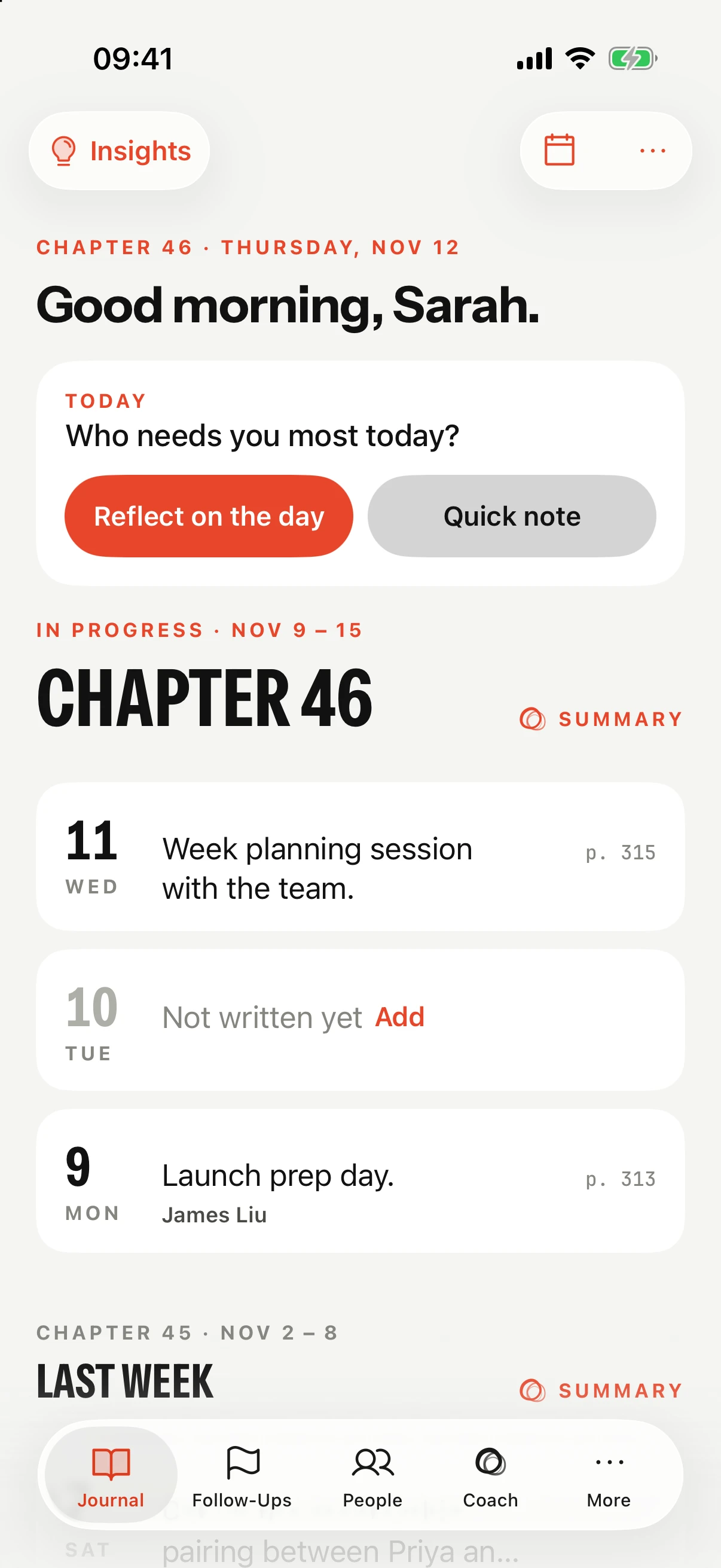
You write a few lines at the end of the day. Intura turns them into a weekly summary, follow-ups and 1:1 prep, and gives them back when they're useful.
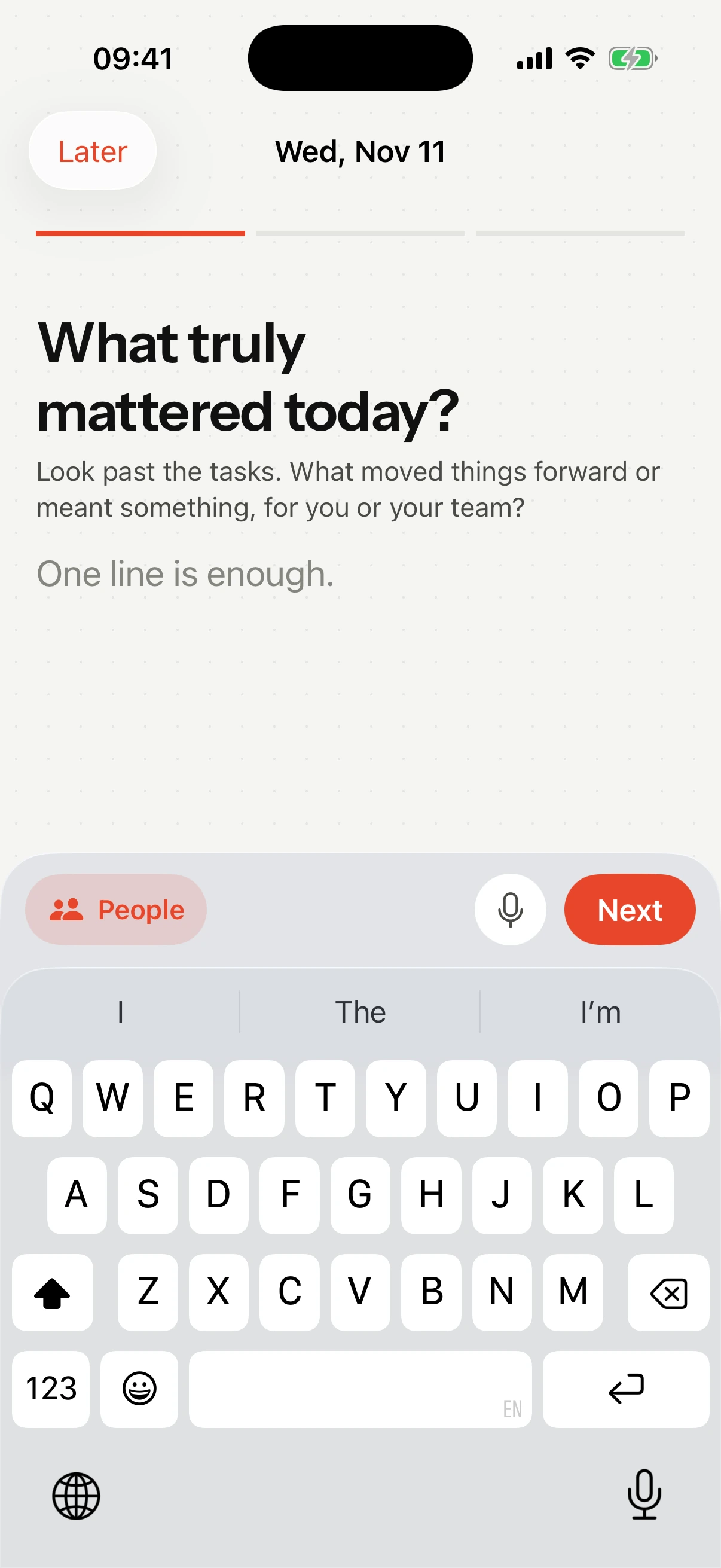
What truly mattered, who made a difference, and what's still on your mind. One line is enough. Type it or say it, and attach a photo or PDF to the page.
A short note on what you just wrote. Sometimes a pattern, sometimes a question worth sitting with.
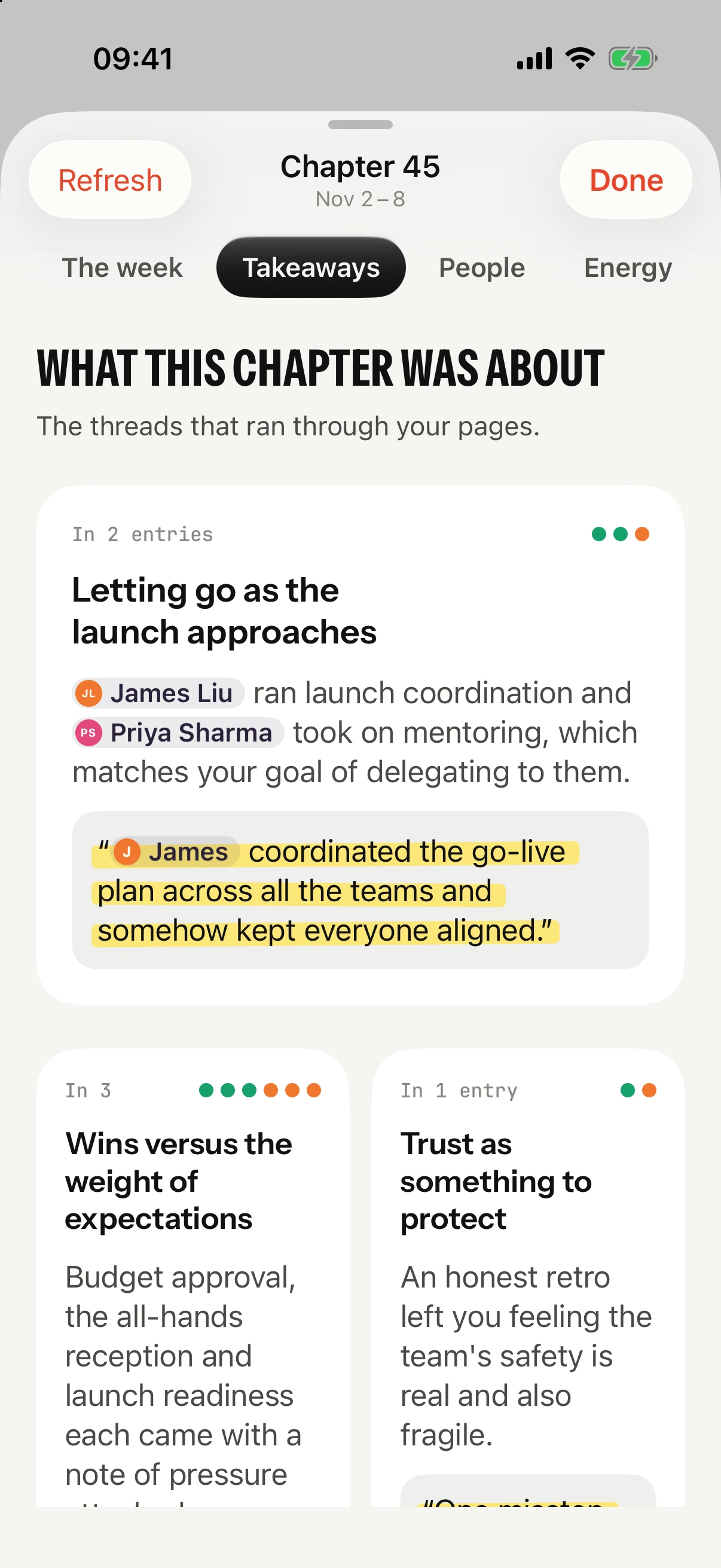
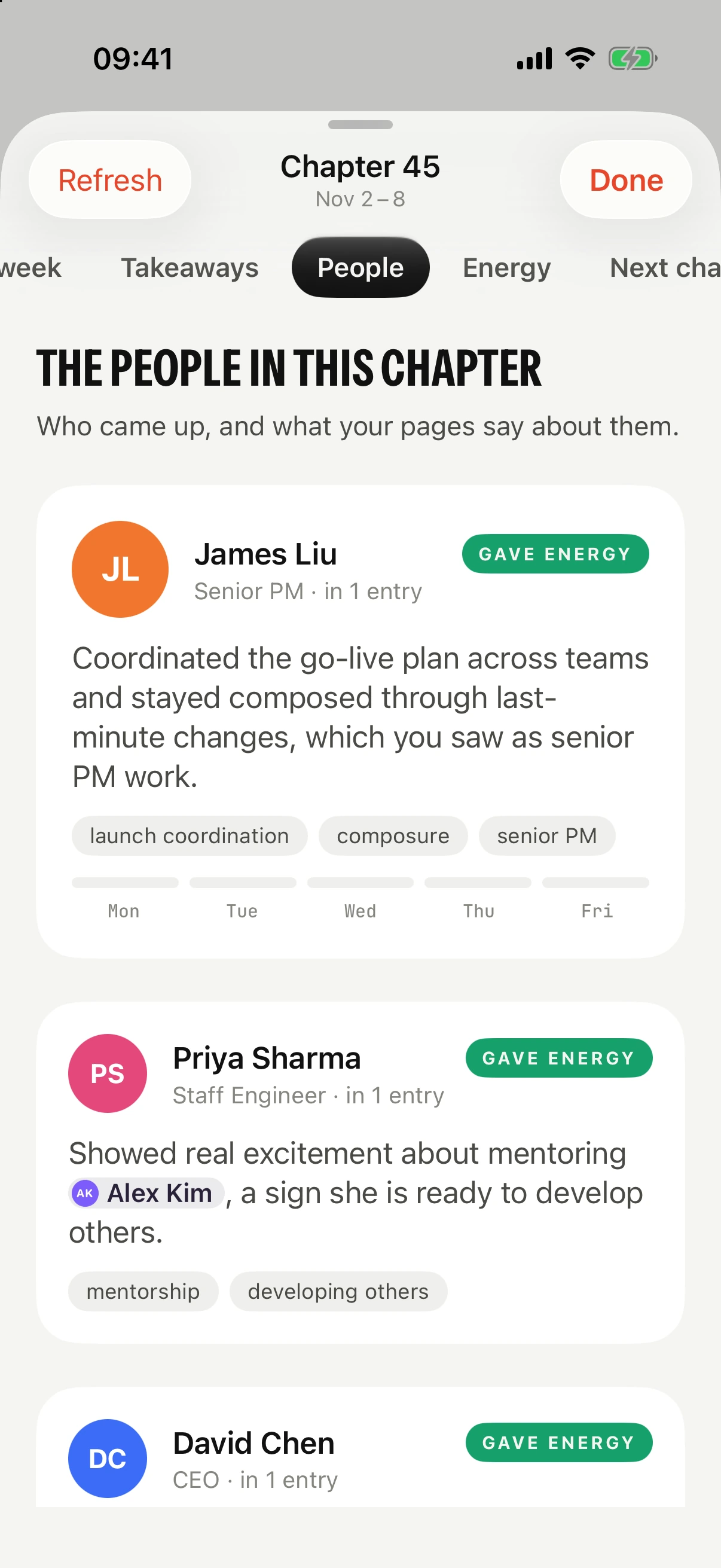
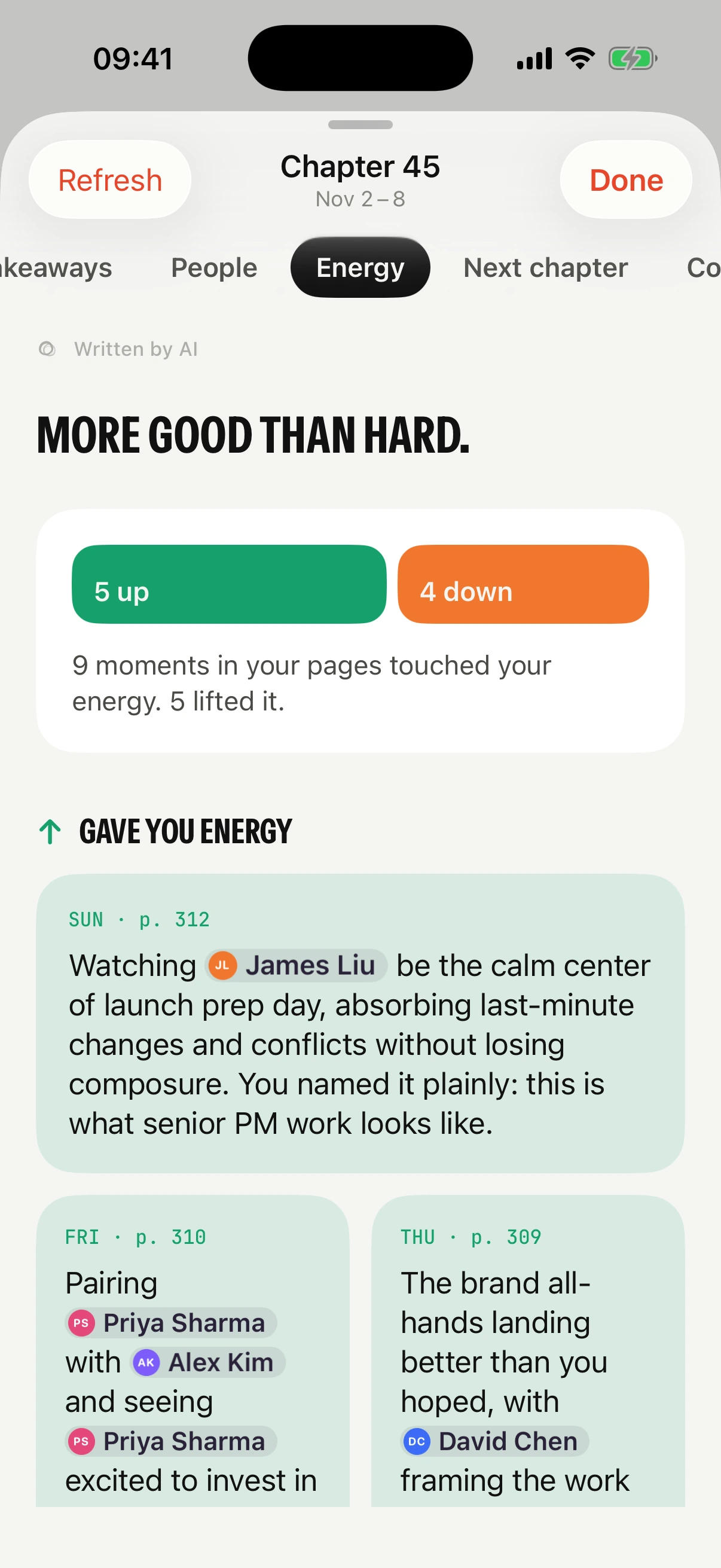
Themes, what gave you energy and what drained it, the loops still open, and what to carry into next week. Free, every week.
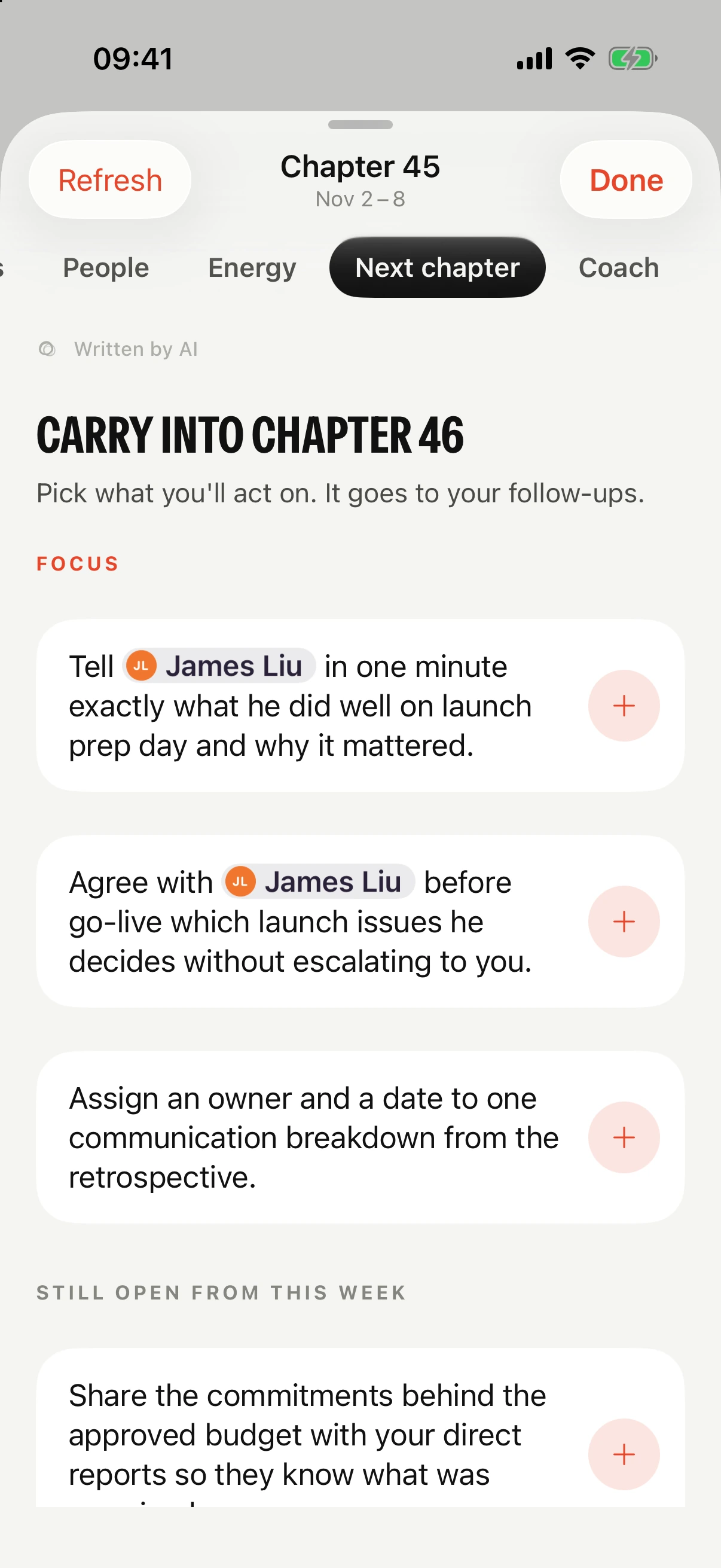
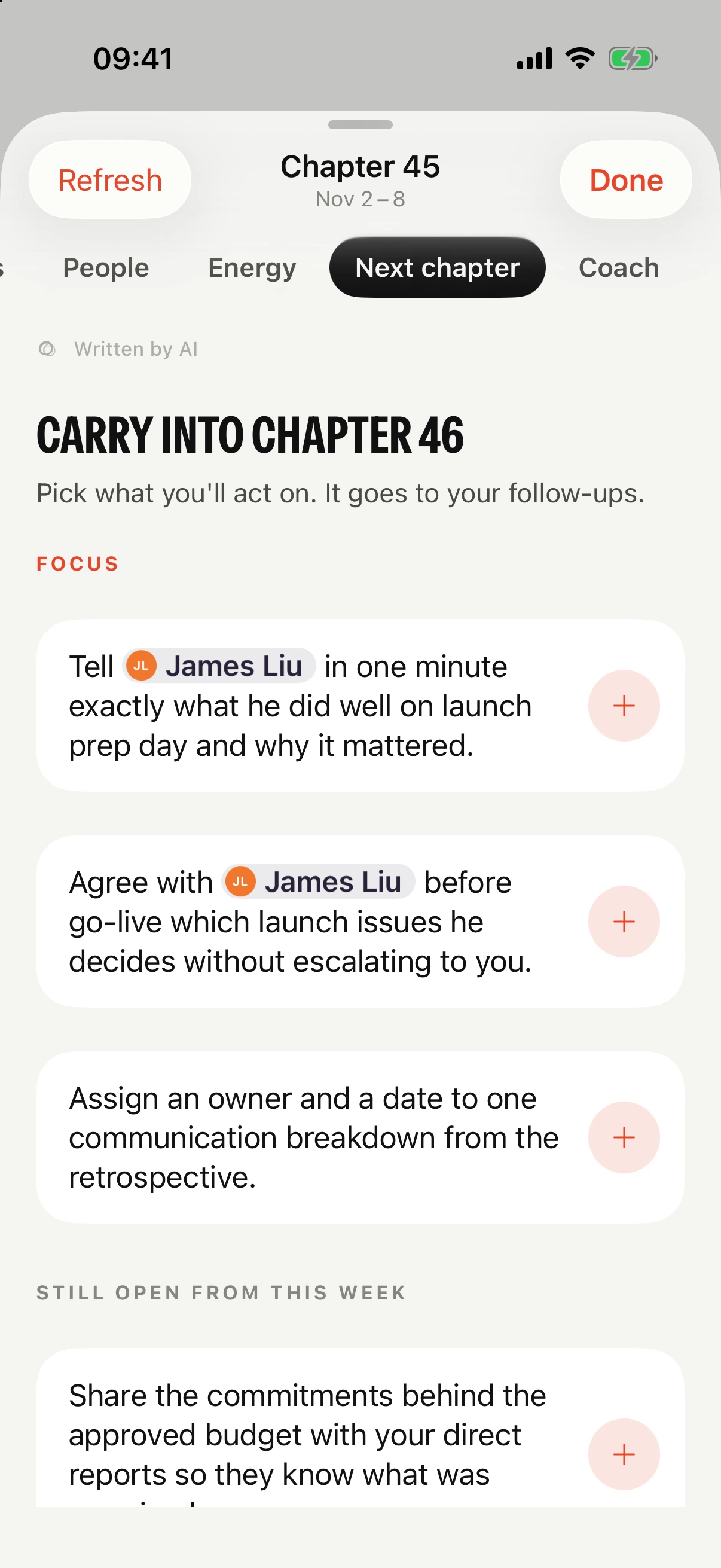
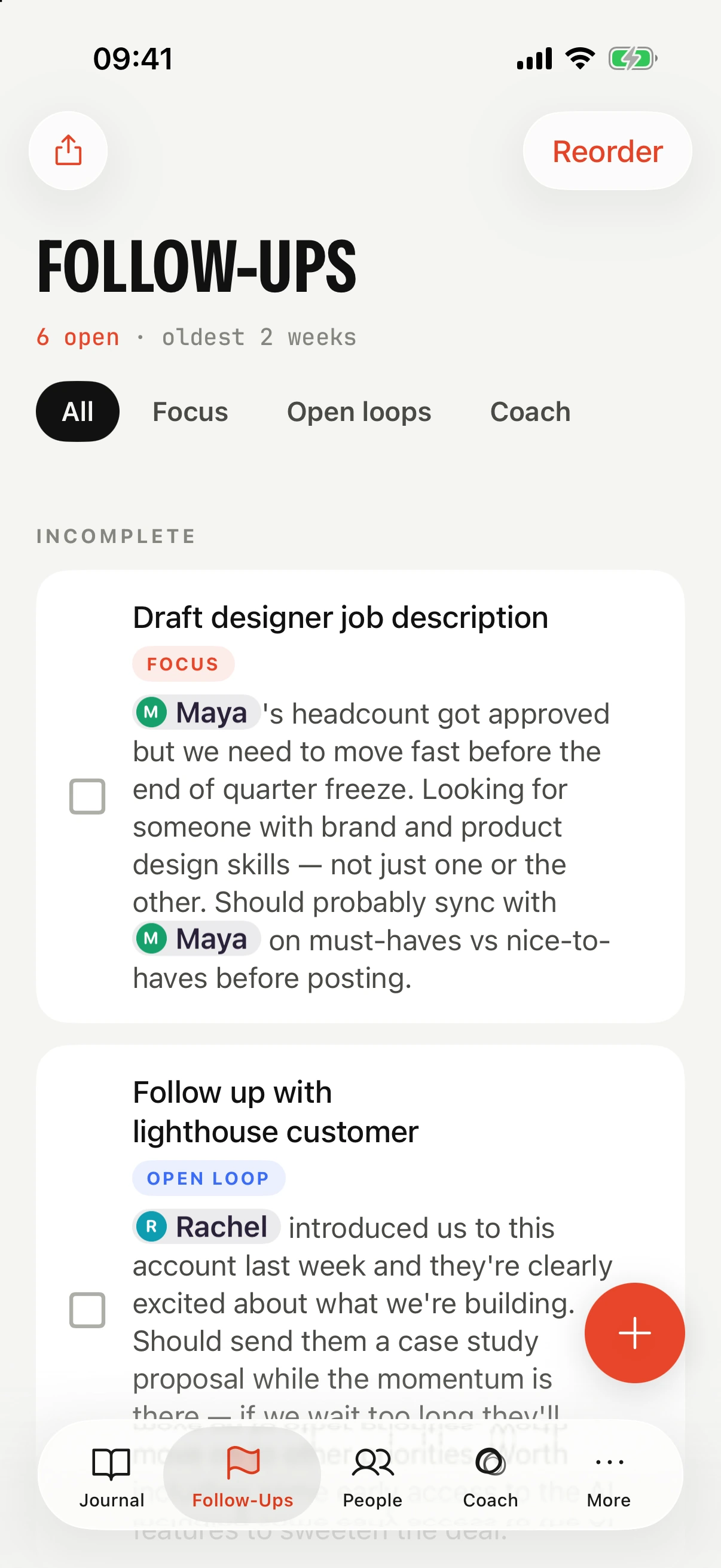
The week suggests what to carry forward. Pick what you'll act on and it lands in your follow-ups, sorted into focus and open loops, with the person it's for.
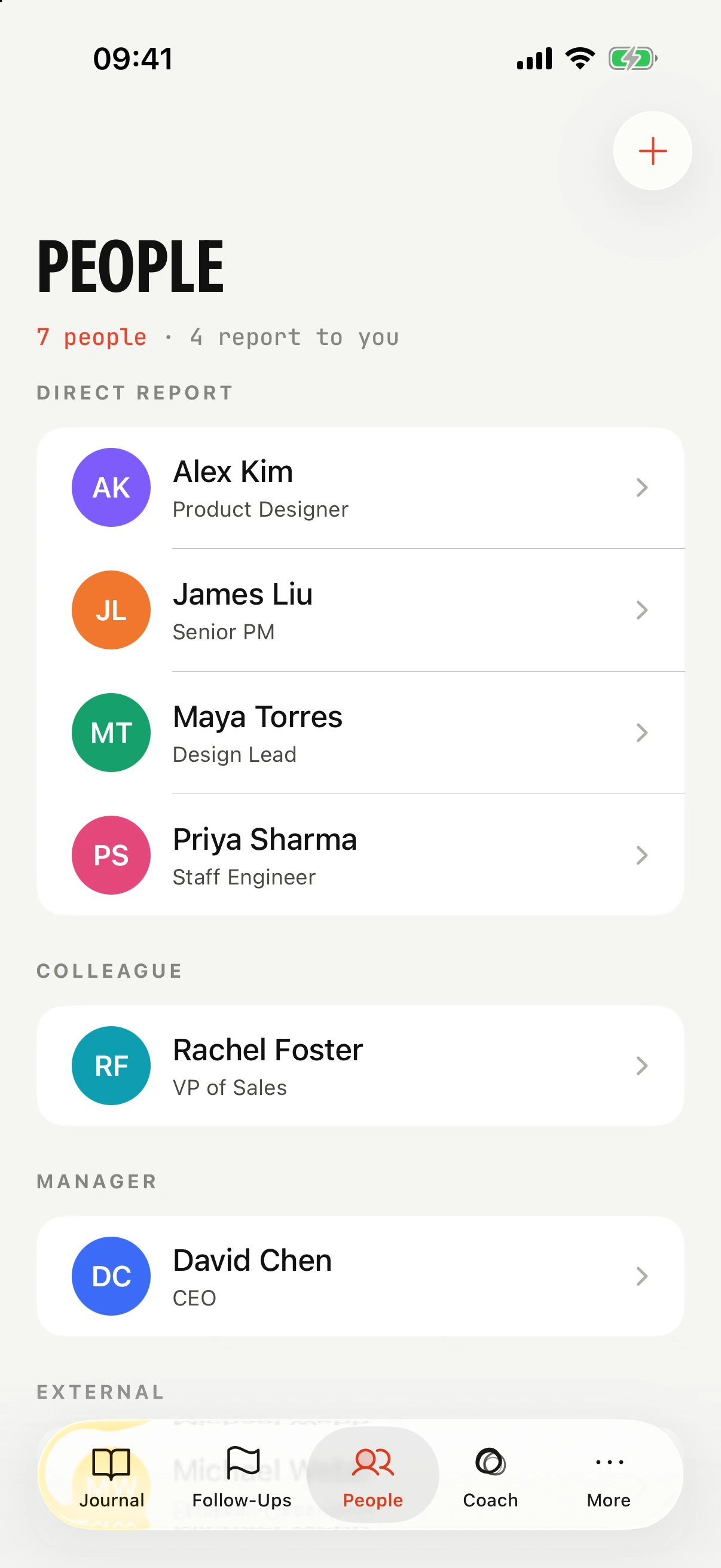
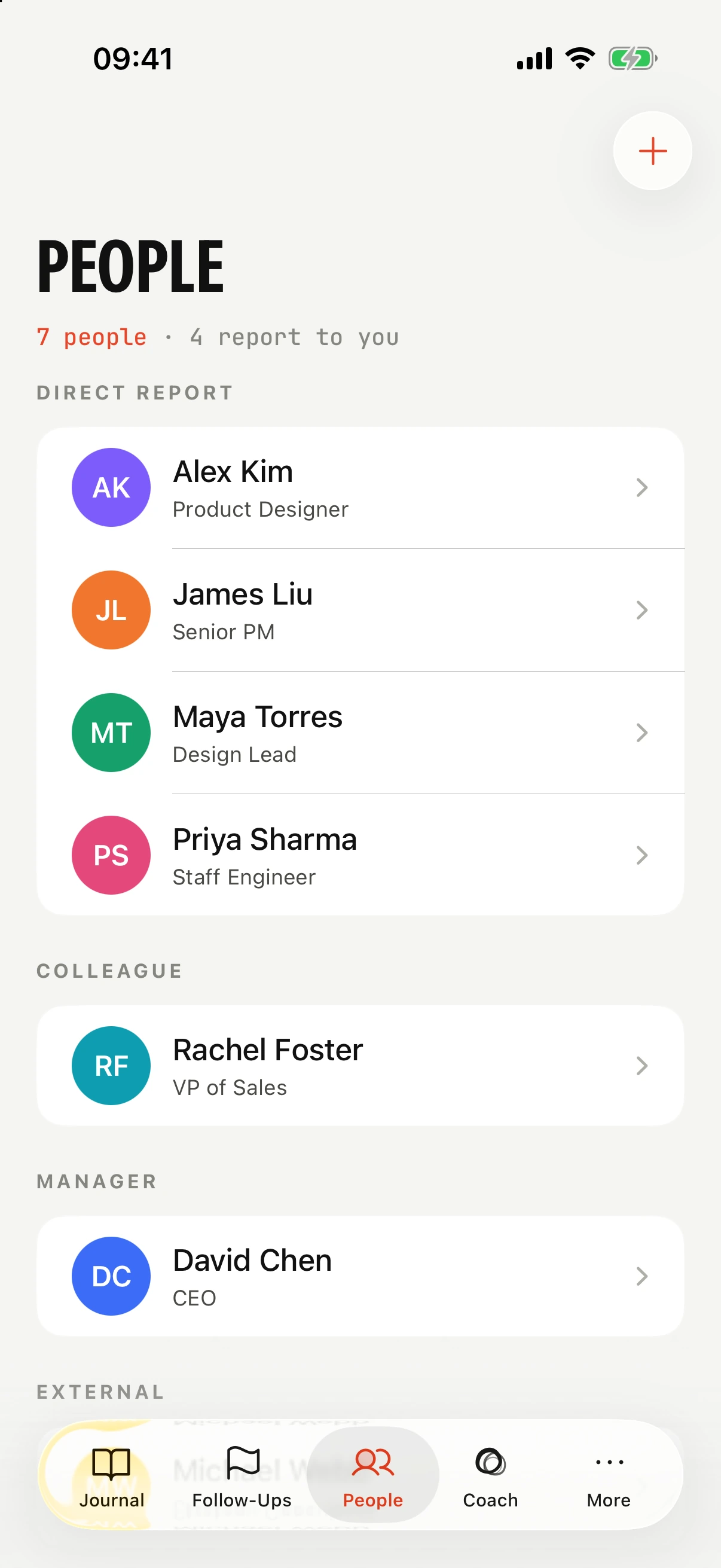
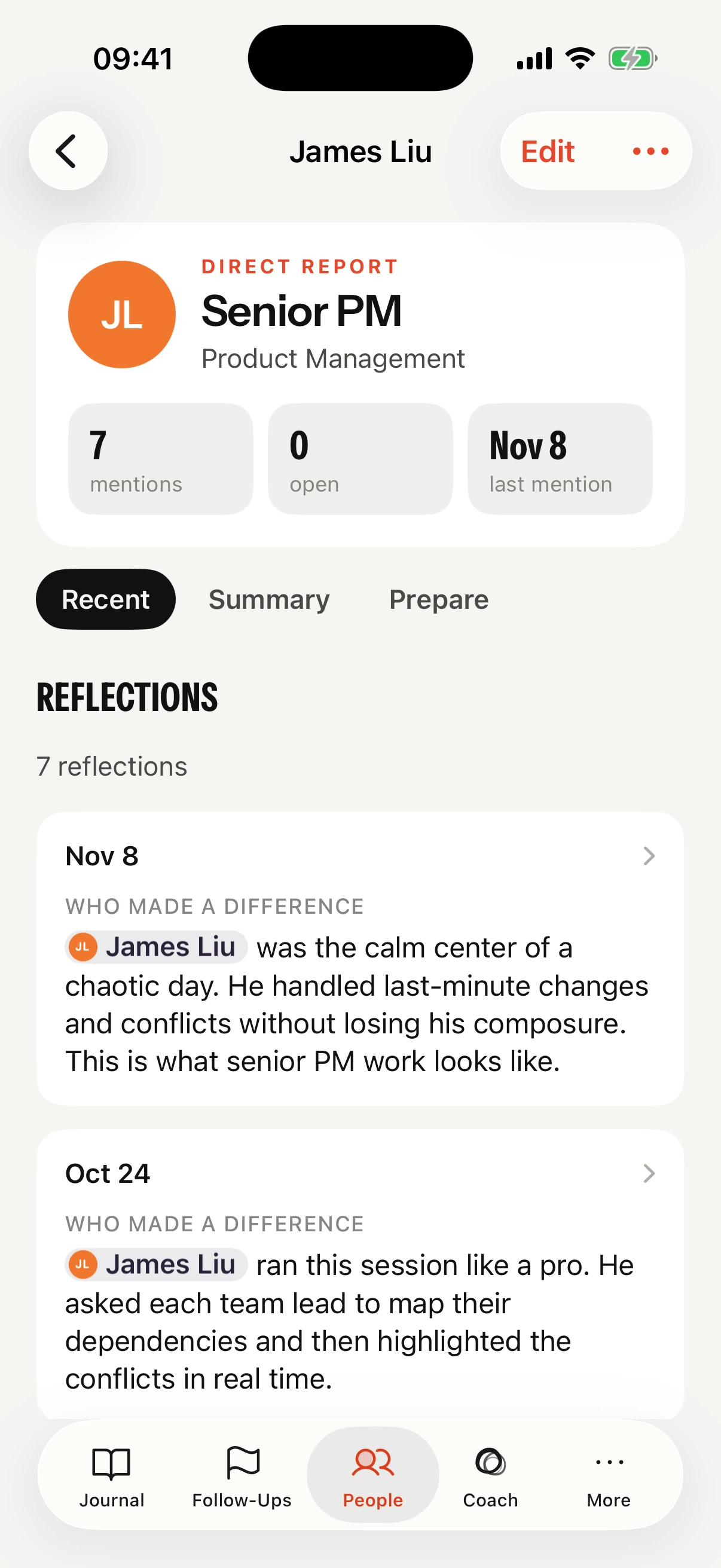
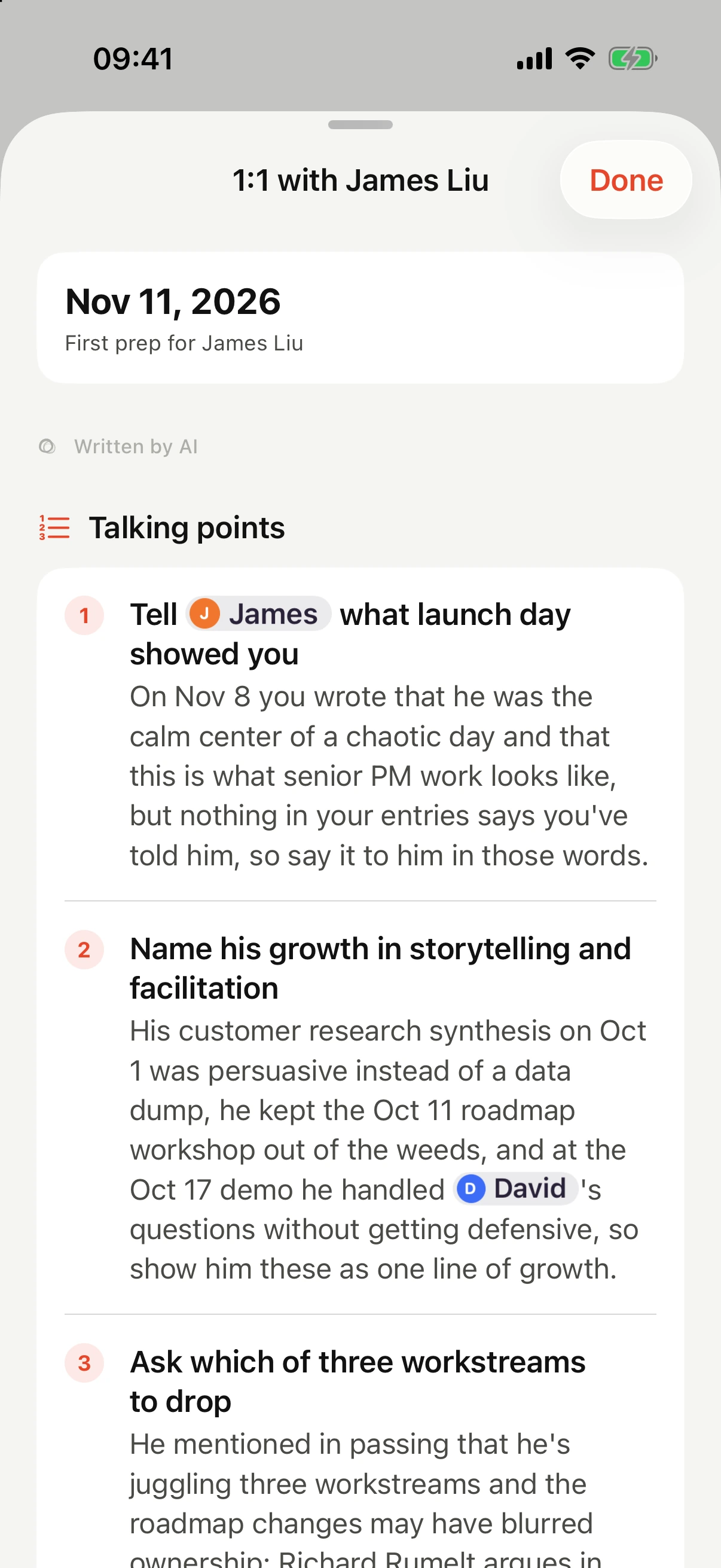
Mention someone and Intura gathers it on their page: what you noticed, what's open, how it changed. Prepare turns it into an agenda.
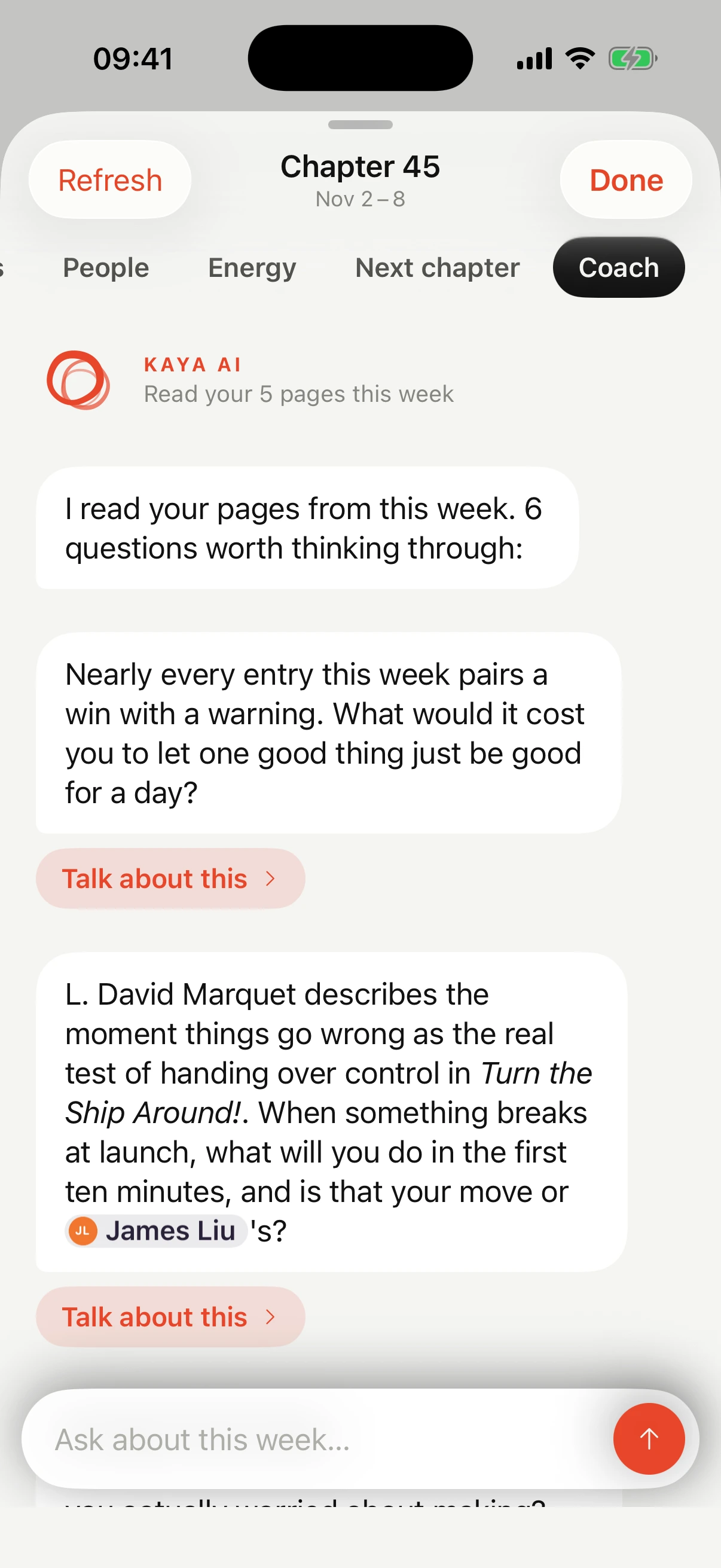
Ask about a hard conversation and skip the backstory. Kaya already knows who James is and what happened on Thursday, and she points to what you wrote.
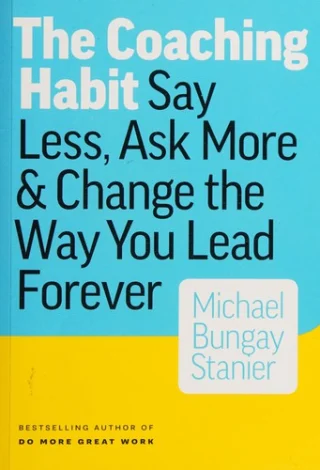
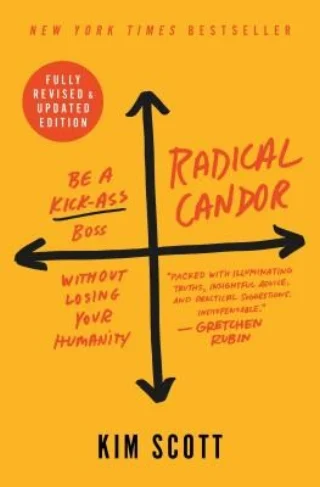
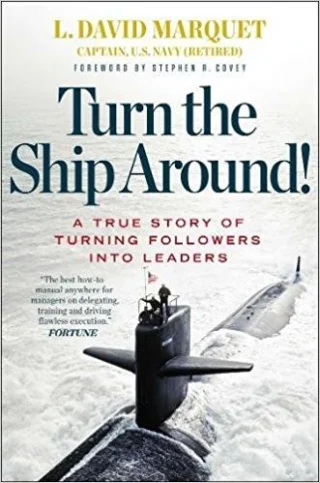
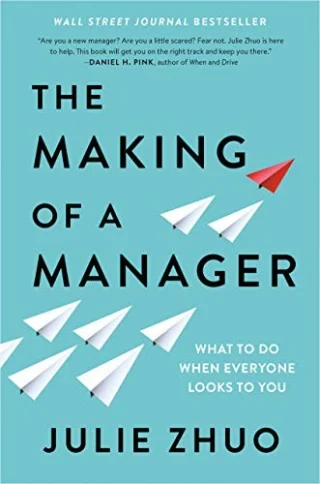
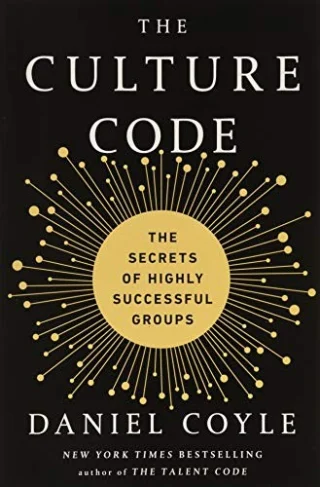
She brings the right idea from ten leadership books, chosen for how you lead. Every idea she opens lands in your Insights library.
JLJames keeps asking me what to do on every decision. How do I get him to decide on his own?
That doesn't match what you wrote today. You said JLJames took the customer call on his own and it went better than if you'd joined, and on Nov 8 you called him the calm center of a chaotic day.
One thing worth checking before we fix him: when he does bring you a decision, what do you do?
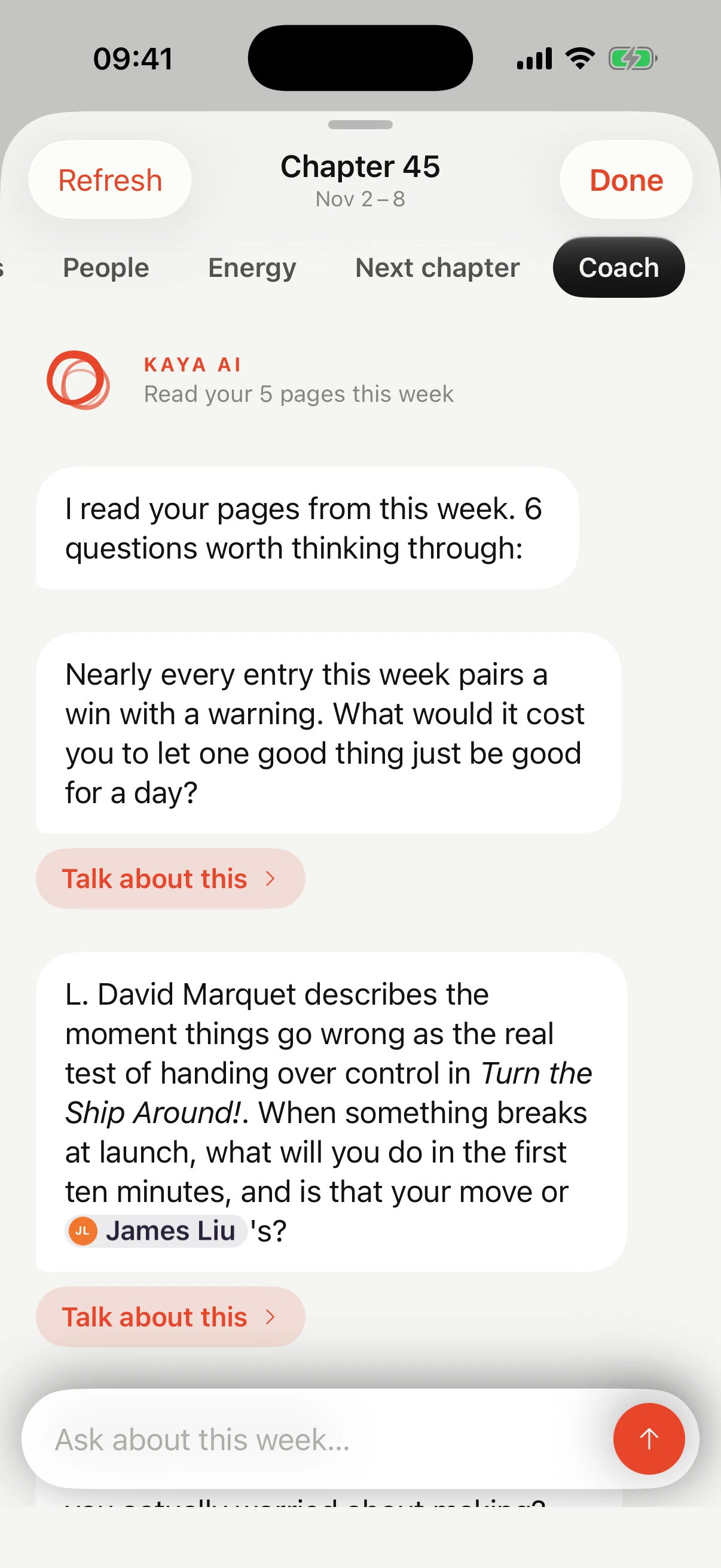
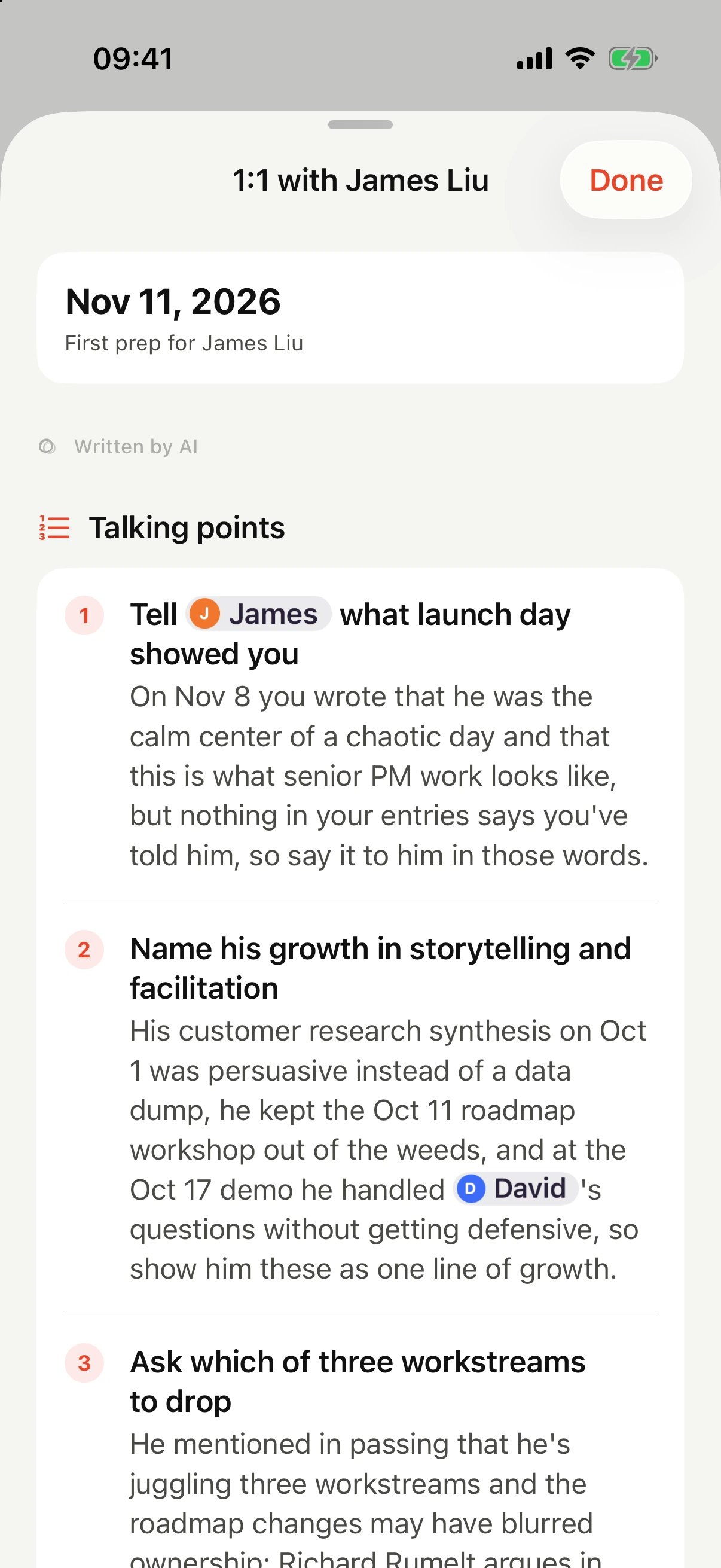
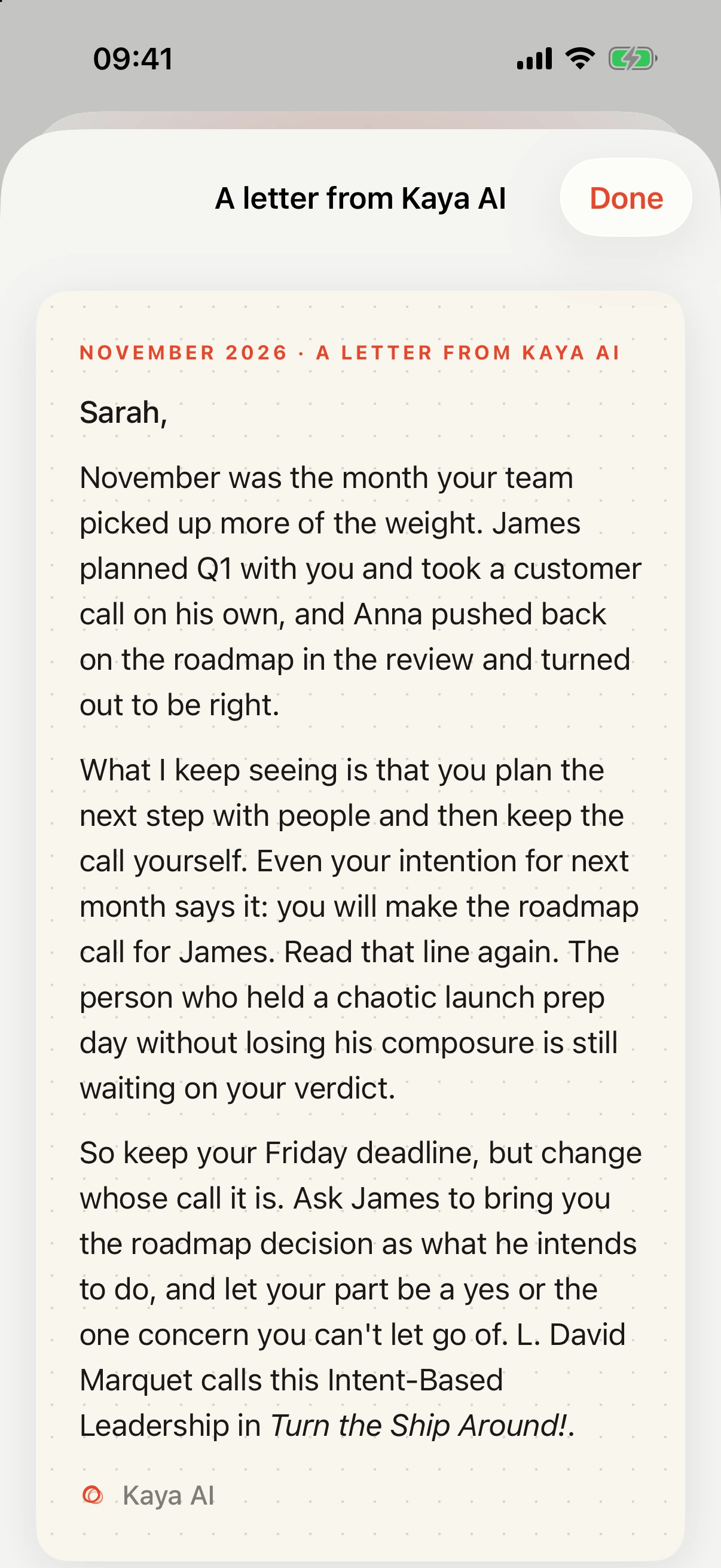
Everything about Kaya AI →Her library, what she knows about you, and how you decide what she sees.
There is no Intura account and no database of journals. Your employer can't see it: it's your app on your phone, not a company tool.
Locked with Face ID if you like. The journal works fully without Kaya AI.
Your private iCloud database keeps iPhone, iPad and Mac in step. We can't read it.
Only what a feature needs, passed to the AI model and not kept. Never used to train models.
Write on your phone at the end of the day, read your weekly summary on the iPad, prepare a 1:1 on the Mac. Everything syncs through your own iCloud.
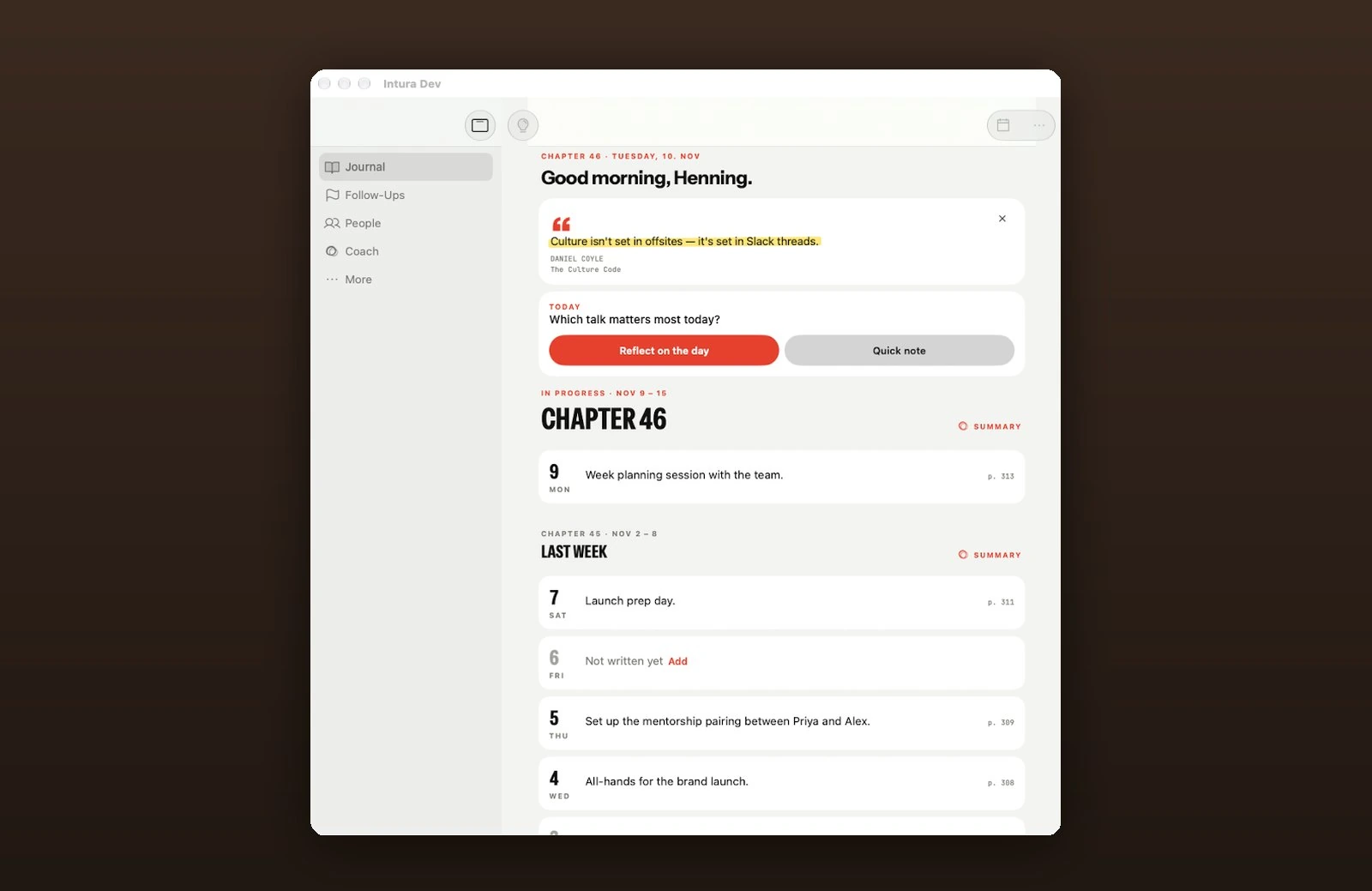
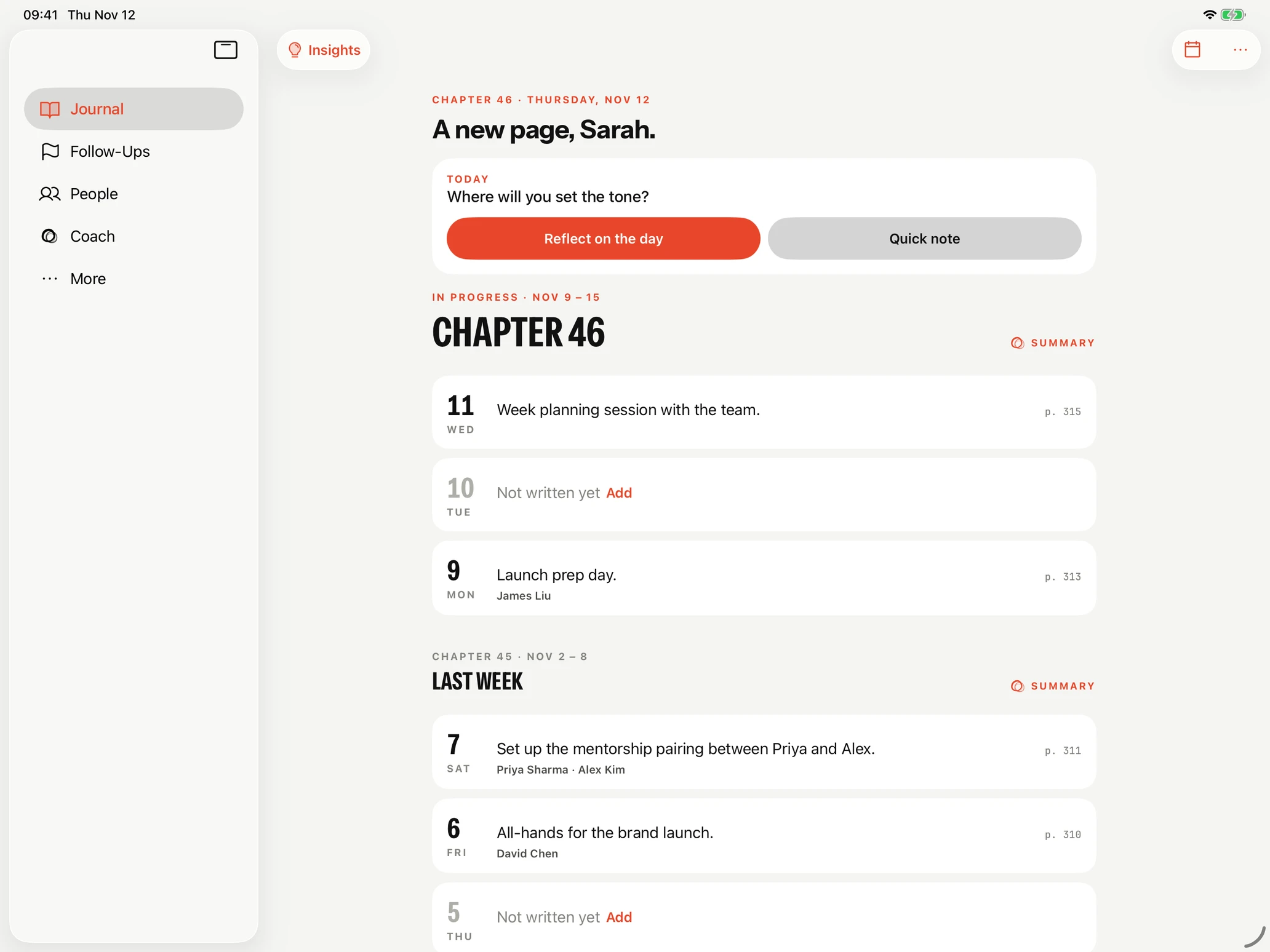
You pick your working style when you start, and the prompts and Kaya follow it.
I've led design teams for more than ten years, now as Director of Design at NewStore. I built Intura for myself first: a private place to put down the people, priorities and hard decisions at the end of the day, so I don't carry them home.
If something is missing or broken, write me at hello@intura.app.

I still absolutely love Intura and do use it daily.
“I reflect more and prioritize better, which is great. Intura gives me exactly the right kind of support, at the right stage of my development. And I think it might be even more useful for us leaders without a formal management position.”
“Very cool and so valuable for people managers.”
 Taylor BondGo-to-Market and AI Systems
“Despite considering myself a very reflective person I rarely had the diligence to write these things down. A lightweight tool like this — especially one that helps surface patterns over time without creating more admin overhead — feels intuitively useful. Reflection is an important leadership muscle. Also love the focus on privacy and clarity over noise.”
 Andi ZinkTech Exec
“This is fantastic, and valuable for busy leaders. I can't wait to get in there and try this out — have no doubt this will be a game changer for organization, prioritization and pattern spotting.”
 Marcus LaRobardiereMarketing Leader, ABM and Brand
“Love this! I've always found journaling and reflection to be incredibly helpful. But it requires consistency so having this as a coach would be amazing.”
 Shashi Thandra, Ph.D.Product Director, AI and Platform Strategy
“This is such a great idea, and I know the UI design will be spot on too!”
 Owen FayleSolutions Engineering Manager, Shopify
“Having an app to help me remember journaling would be great. Even better if it has some useful insights. I'm also more likely to try an app with privacy awareness.”
 James LunanProduct Management
The daily journal and the weekly summary are free, with no account to create. Pro starts with a 14-day free trial.
Intura is a leadership journal for iPhone, iPad and Mac. At the end of each day it asks three questions: what mattered, who made a difference, and what's still on your mind. It reflects each entry back, turns each week into a chapter with its themes, energy, open loops and people, and has an AI coach, Kaya AI, that has read your entries. It's built for managers and for people who lead through their expertise.
Your company can't see your Intura journal. Entries are stored on your iPhone and in your own iCloud, not on company systems, and there is no admin or team view. When you use AI features, the entries they need are sent to Intura's server and AI provider to produce the result, then not stored beyond short-lived service logs. No ads, Face ID lock, and one button deletes everything.
Kaya AI is Intura's coach. She answers questions about your work with your own reflections as context: a tough conversation, a decision, a pattern you noticed, or what to raise in a 1:1. She also writes the short reflection after each entry, the weekly and monthly summaries and a short monthly letter. She draws on ten classic leadership books, and you can see what she remembers about you on her profile. You can keep a day or a note off Kaya, have her forget a person, and limit how far back she reads.
Two minutes is enough. Intura asks the same three short questions every evening, so there's no blank page to stare at. Some people write a few lines, others keep the entry open and add to it during the day. The weekly summary takes no extra time because it's built from the entries you already wrote.
Intura is built for iPhone and also runs on iPad. Macs with Apple silicon (M1 or later) can install the iPad version from the Mac App Store; Apple lists it as not verified for macOS. It needs iOS 26 or later. There is no Android or web version. Your journal syncs between your Apple devices through iCloud.
The daily journal is free, including the reflection after each entry, the full weekly summary, people pages, follow-ups and 10 coach messages a week. Intura Pro adds monthly reviews, coach chat without the weekly limit and 1:1 prep for $24.99 a year or $3.99 a month, with a 14-day free trial. Subscriptions run through the App Store, so you cancel in your Apple account settings.
Free to download. Two minutes. Three questions.