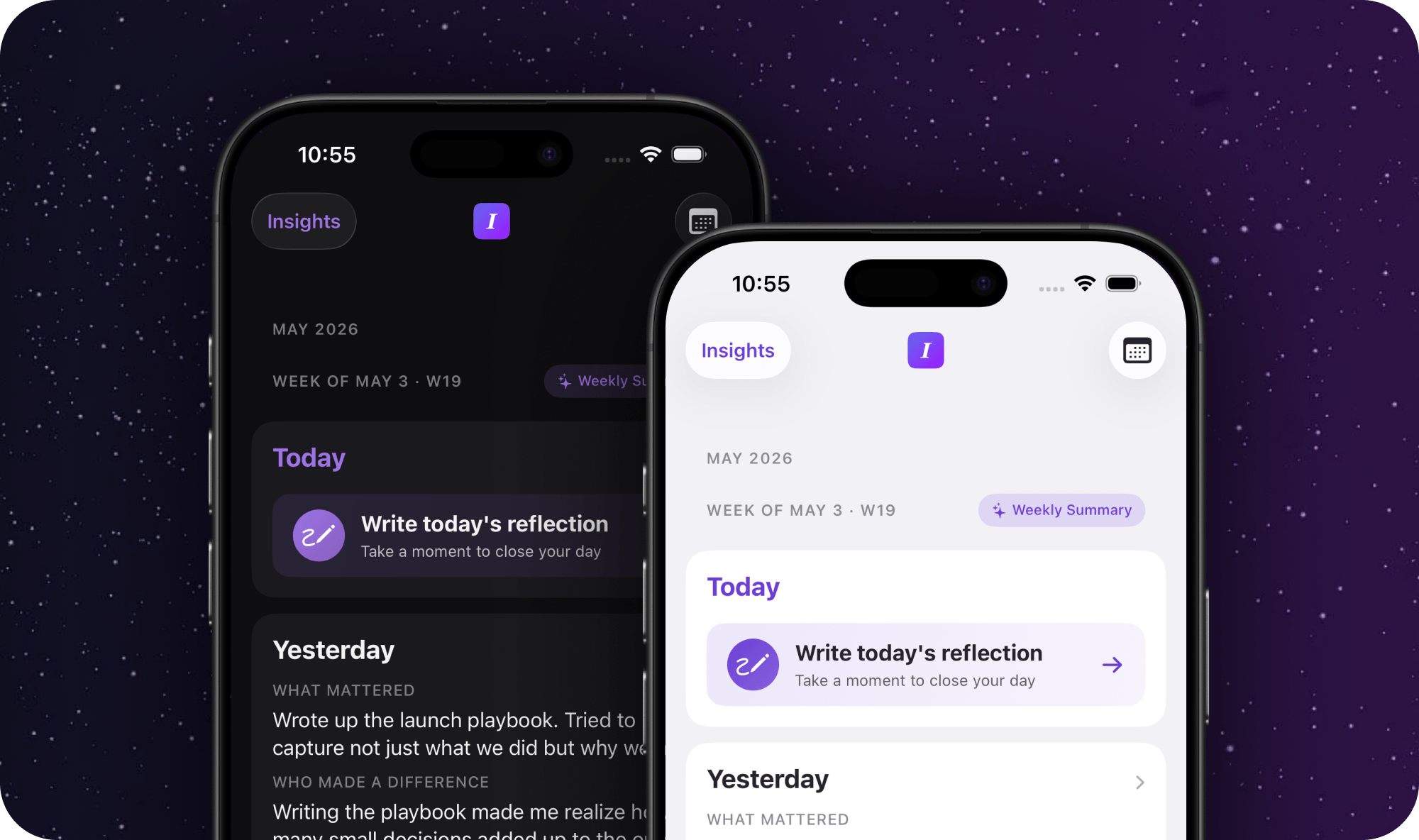
This is the update I've been building toward. Everything you've been journaling (every reflection, every @mention, every follow-up) now pays off the moment you sit down for a 1:1.
Your reflections become your 1:1 agenda
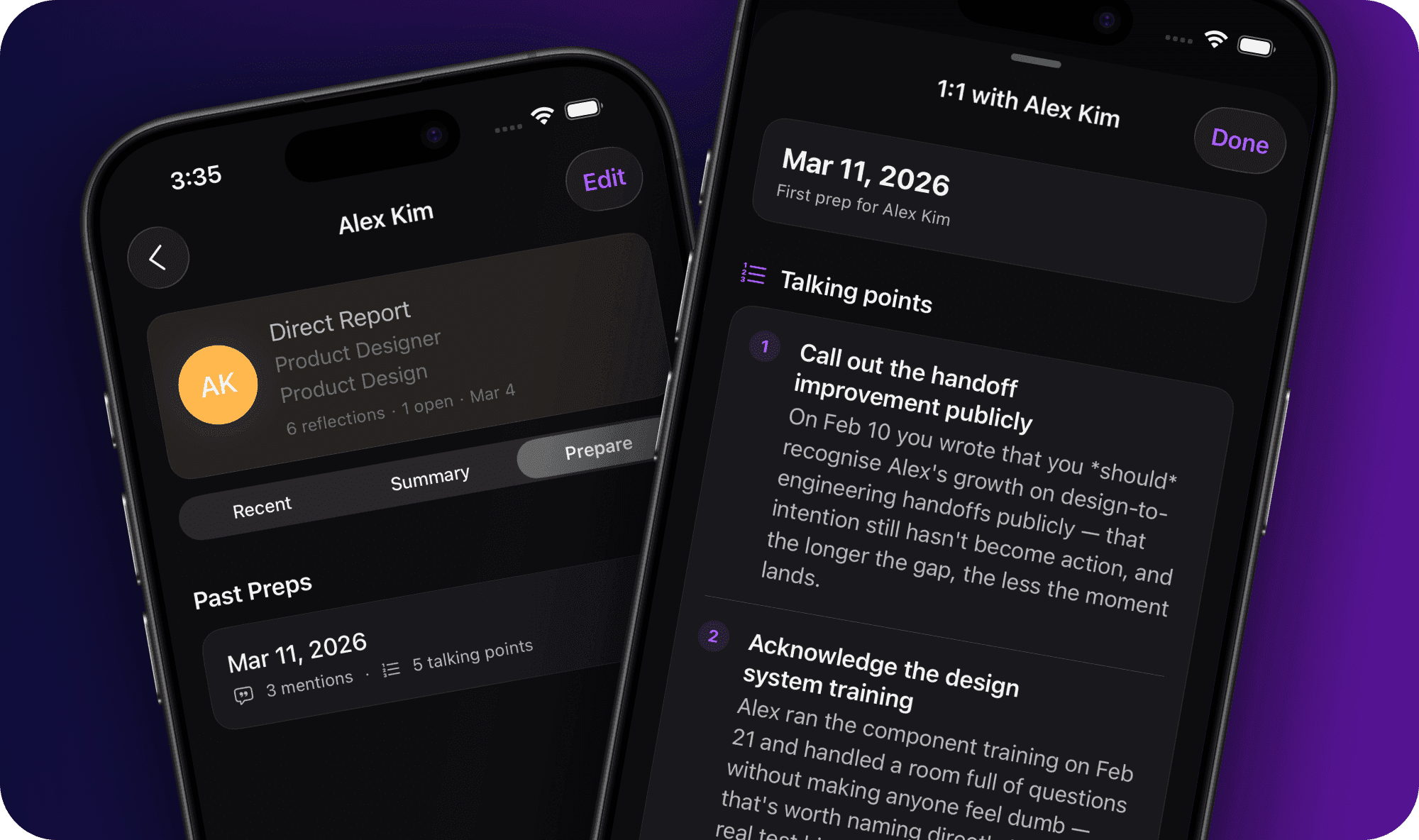
Go to anyone's profile and you'll find a new "Prepare" tab. One tap generates a structured meeting prep: talking points pulled from your recent reflections about them, open follow-ups that need discussion, and context you might have forgotten. Your daily notes become your preparation advantage.
This is why you journal.
See your team's patterns over time
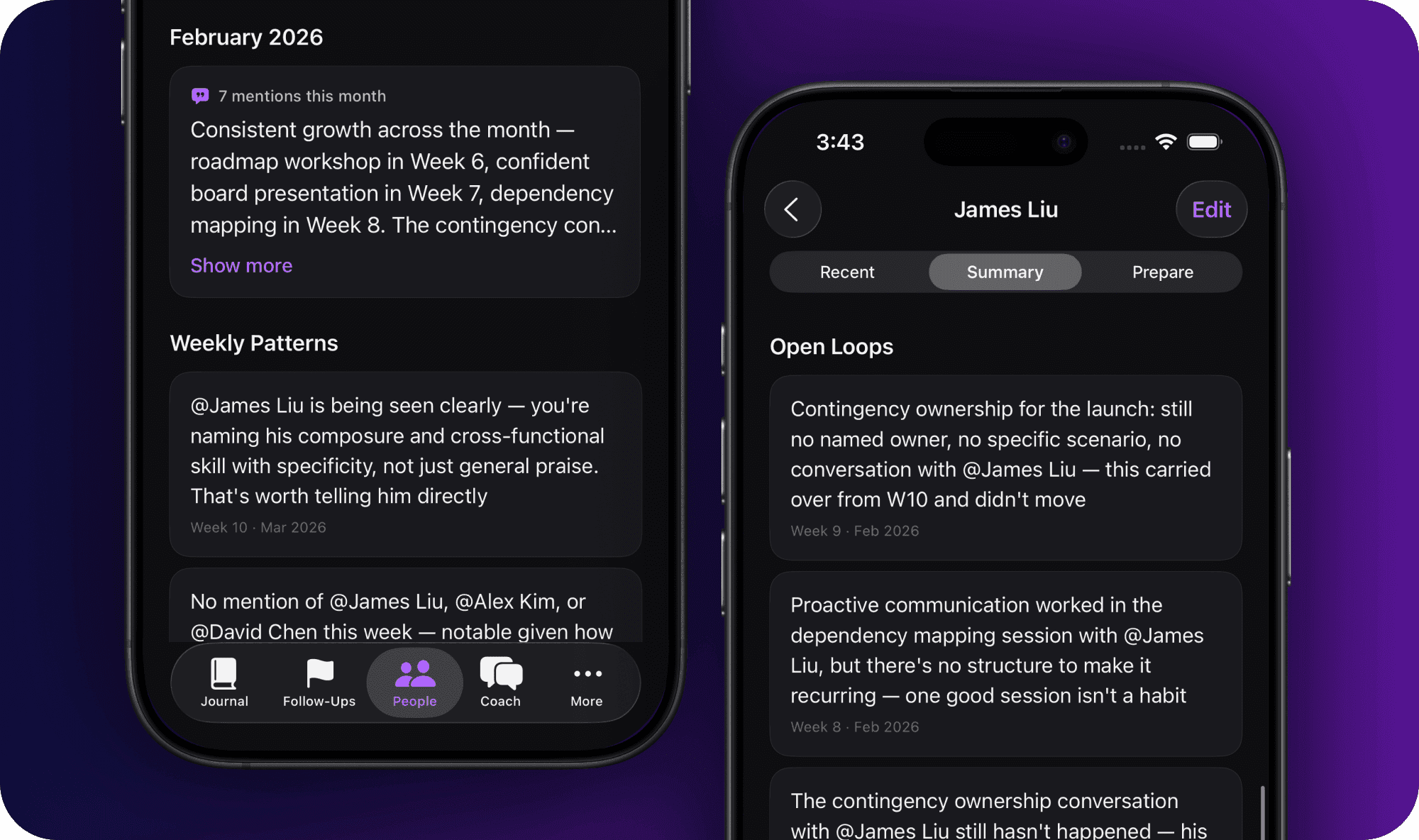
Each person's profile now shows the full picture: recent mentions and follow-ups, weekly patterns, a monthly snapshot, and your complete meeting prep history. Everything you've noticed about someone, all in one place.
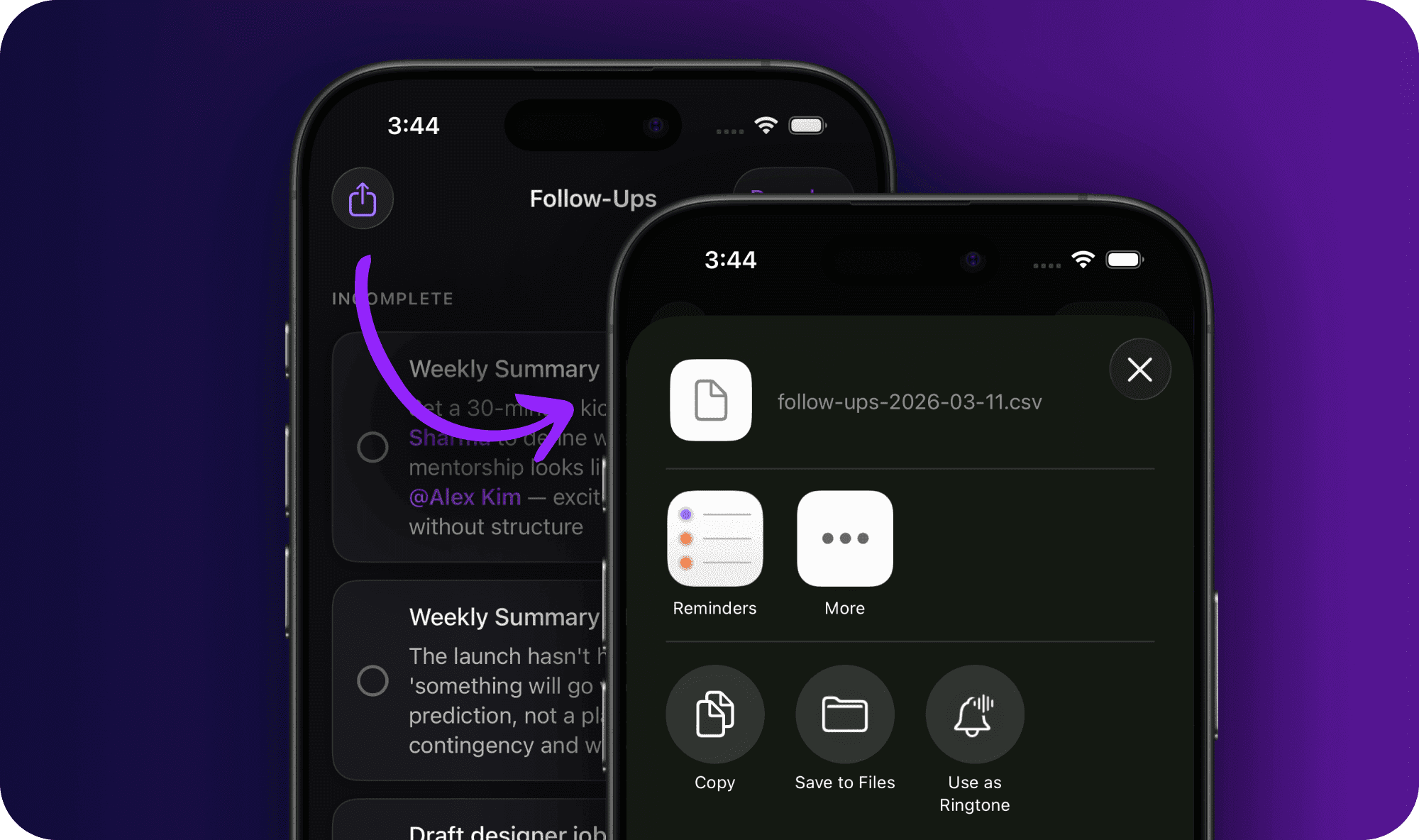
Export your follow-ups
A new share button in Follow-Ups exports everything as CSV. Take your action items into your task manager, project tracker, or wherever you work. This is the first step. More integrations are coming.
Under the hood
- Vacation notifications are smarter. You get a "Happy Vacation" message when your break starts, and ending early triggers the welcome-back notification immediately.
- Coach memory now picks up more conversational phrases like "remember our conversation."
- Cancelling a weekly summary mid-generation no longer leaves requests running in the background.
Open a team member's profile, tap "Prepare," and generate a meeting prep before your next 1:1. Did it surface anything useful? Hit Settings → Submit Feedback and let me know.